Every system that has served a business for a decade eventually reaches the same crossroads. Microsoft Dynamics NAV, an ageing on-premises Business Central deployment, or a legacy ERP or CRM that predates them all: vendor support for your version ends, security grows harder to defend, and every new requirement is met with another manual workaround absorbed by your people. The question for most organisations is not whether to move, but when and how, without breaking the business that runs on the old system every day.
At ML IT Partners, migration is its own discipline, deliberately distinct from a fresh implementation. A new implementation starts with a clean slate; a migration starts with everything you have built over the years: decades of financial history, customer records, customised processes, and hard-won knowledge. A certified Microsoft Dynamics partner with nearly three decades of experience in Malaysia, we move businesses from earlier-generation Dynamics platforms and other long-serving ERP and CRM systems onto the modern platform (finance and operations on Dynamics 365 Business Central, customer engagement around Dynamics 365 Sales and Customer Service), keeping the value of everything that came before.
The promise is deliberately modest, because that is what good migrations look like: your data arrives intact, the project finishes on schedule, your team keeps working throughout, and go-live passes with so little drama that the real measure of success is how unremarkable the Monday morning after it feels.
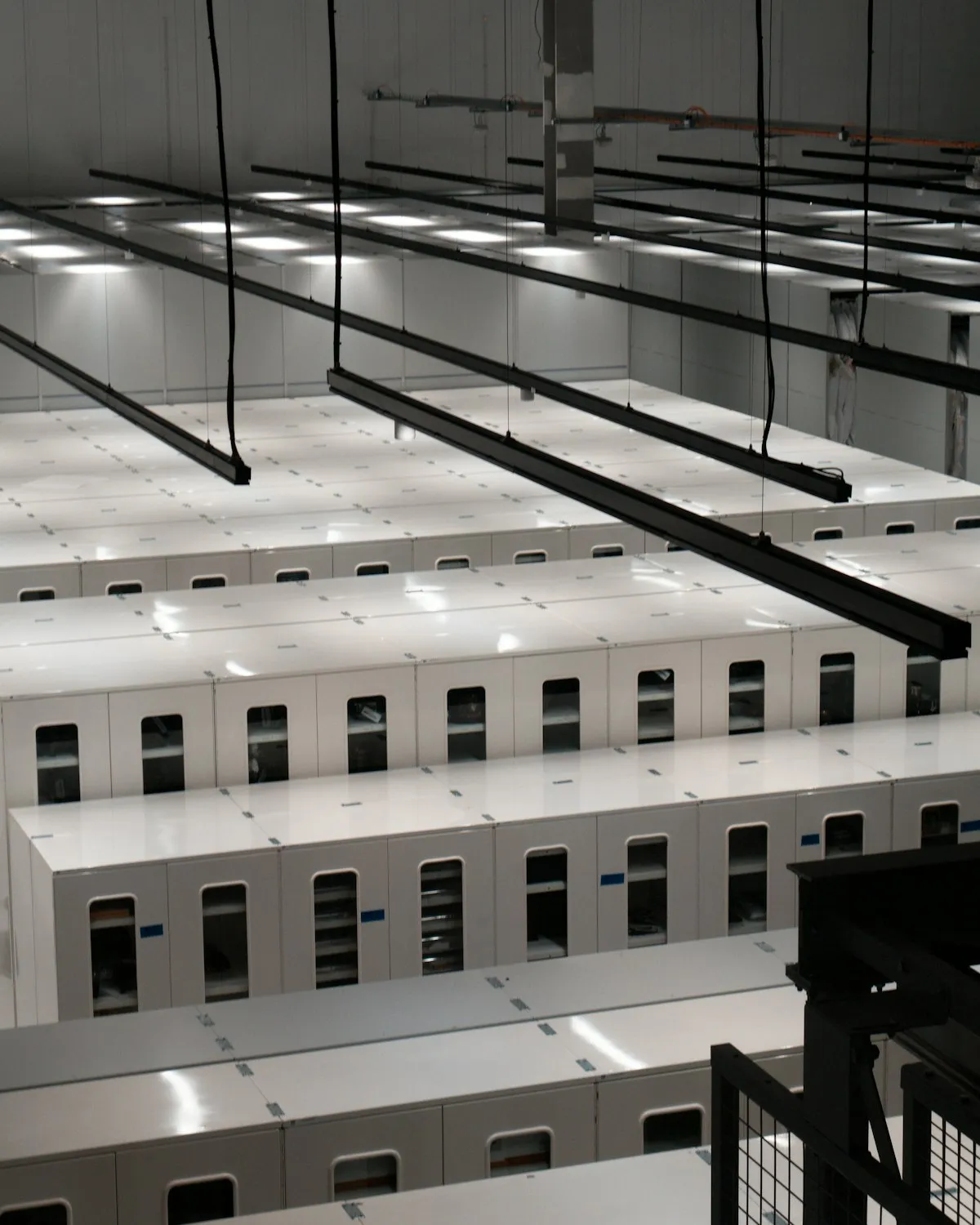
Your data’s destination: a modern platform in the cloud, patched and secured by Microsoft as standard.
The migration journey
Assessment and discovery
Every migration begins with a clear picture of what you run today: your system’s version, customisations, add-ons, and integrations, your data volumes, and where duplicates and archives live. Version matters more than most people expect: older NAV generations cannot move to the cloud directly and must first be brought forward through supported versions. The result is a migration plan with honest options: a full migration that preserves your history, or a re-platforming that moves only the data your business uses. Where a legacy system is too old or too heavily modified to migrate safely, we say so plainly and point you to our system implementation service instead.
Data audit and clean-up
Data quality (not software) is where migrations most often run into trouble. Years of daily entry leave duplicate customers, repurposed fields, and inconsistent codes, and the new system enforces rules the old one never did. We audit the data before anything moves, clean master records ahead of transactions, and make an explicit decision on every anomaly: fix it, transform it, or leave it behind. Each load is reconciled against the source system three ways: record counts, control totals, and sampled field comparisons, so the numbers are proven to match long before go-live.
Solution mapping and re-platforming
Customisations are the second great risk of any migration. Custom code written for a platform no longer developed is a liability, not an asset. We review each customisation and workaround to decide what a modern platform now does natively, what needs rebuilding, and what can be retired. The goal is configuration over code: standard features replace bespoke ones wherever possible, and where real capability still needs development it stays tightly scoped through our custom software practice, with connections to the rest of your ecosystem through external integrations.
Parallel runs and user training
Both systems run side by side while trust is built. Your people work in the new platform while your finance team reconciles it against the old one, comparing ledgers, bank statements, stock levels, and open orders through at least one full month-end, so discrepancies surface while they can still be traced. Role-based training and hands-on change management through our training and adoption service build confidence in the new workflows, with the legacy system still there as the reference everyone knows.
Cutover weekend
Go-live is a planned event, not improvised on the day. A short data-freeze window, kept as brief as practical, precedes the final move; only the transactions recorded since the rehearsals are carried across. Cutover follows a runbook naming who does what at every step, with validation gates that must pass before the next begins, and a tested rollback plan: if anything fails, the business returns to the legacy system while we put it right. Rehearsed until it is routine, a migration goes live quietly.
Post-migration support
Cutover is not where we hand over and walk away. A hypercare period follows go-live with daily check-ins and rapid fixes as users settle in, and reconciliation continues until the new system has matched the old through another month-end. Once the platform is proven stable we help retire the legacy system, archiving it read-only where auditors or future disputes may need it, with ongoing technical support available as your platform evolves.
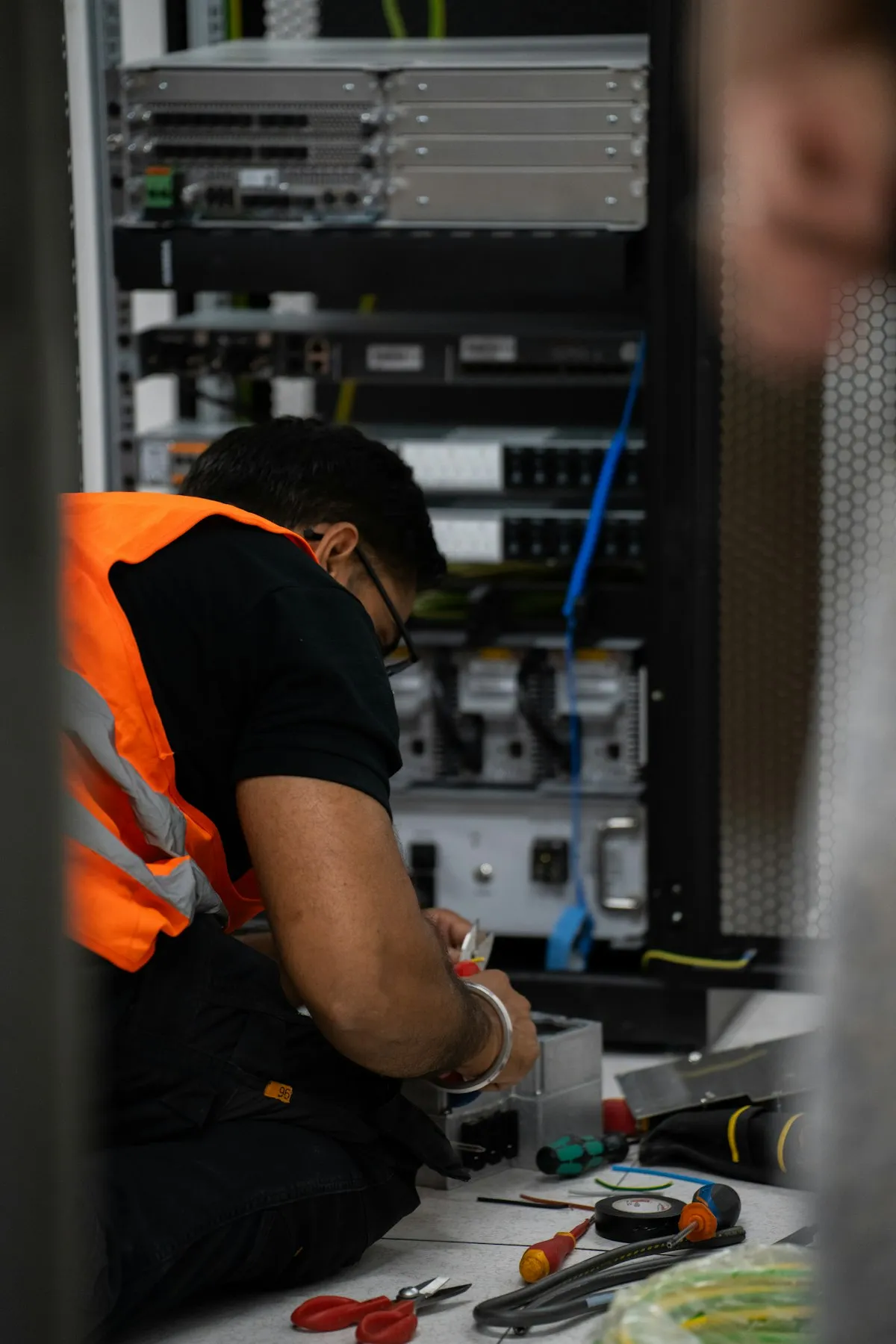
Cutover runs to a rehearsed runbook, with validation gates at every step.
Why migrate now
- Vendor support has a shelf life. When Microsoft ends support for your NAV or on-premises version, every problem becomes yours to solve, every security gap yours to close, and compliance questions harder to answer. Waiting rarely makes the move cheaper: see the hidden costs and risks of maintaining a legacy ERP system.
- An ageing system is a growing security risk. Cloud platforms such as Dynamics 365 are patched, monitored, and secured by Microsoft as standard, baseline protection an ageing on-premises server cannot match without your own IT team carrying the burden.
- Reporting is where legacy systems frustrate most. If month-end takes too long, management questions go unanswered, and “export to Excel and reconcile manually” has become a core process, you pay the cost of standing still every month.
- Growth compounds the problem. Adding entities, currencies, warehouses, or new sales channels to a decades-old platform is slow and expensive, while modern platforms are built to scale as you grow.
- The future is being built on the cloud. Copilot in Dynamics 365 and the next generation of AI-assisted capability are arriving in cloud platforms first, never on a version retired years ago. The move follows a known, structured route, the step-by-step approach set out in our guide to implementing Dynamics 365 Business Central; the remaining risk is the delay.
What’s included
- A pre-migration assessment and full environment review: version, customisations, integrations, and data
- Data upgrade, clean-up, and validation through repeated test cycles, reconciled against the source system
- Review and re-platforming of customisations, replacing custom code with standard features wherever possible
- Parallel runs that compare old and new systems through full financial cycles before cutover
- Role-based user training and change management delivered alongside the parallel phase
- A rehearsed cutover runbook with a short data-freeze window, validation gates, and a tested rollback plan
- Post-go-live hypercare with daily check-ins and continued reconciliation through the next month-end
- Legacy system retirement and read-only archiving, plus a clear path into ongoing technical support
Further reading
- The hidden costs and risks of maintaining a legacy ERP system: why staying on old software is rarely the cheap option.
- A step-by-step approach to implementing Dynamics 365 Business Central: how a structured roll-out runs from first workshop to steady state.
- What is Dynamics 365?: the platform you are moving to, and how its applications fit together.
- Cloud-based ERP and CRM systems: what businesses must know: practical considerations for moving to the cloud.
- How to select an ERP system: if the destination is still an open question, build your shortlist with confidence.