At ML IT Partners, system implementation is the complete journey of putting Microsoft Dynamics 365 to work in your business, blending ERP and CRM consulting into one practice. On the ERP side, we help organisations run finance and operations on Dynamics 365 Business Central; on the CRM side, we build customer engagement around Dynamics 365 Sales and the surrounding customer applications. A certified Microsoft Dynamics partner with nearly three decades of experience in Malaysia, we have learned that implementation never begins with software. It begins with strategy: understanding your objectives, how your teams actually work, and how the system can serve the business rather than the other way around.
That approach suits companies outgrowing spreadsheets and disconnected tools, stuck on an ageing ERP, or running sales and service without a proper CRM. Manufacturers, distributors, retailers, and service organisations share one underlying need: a single source of truth for financials, inventory, customers, and cases. Engagements range from single-module rollouts to full ERP and CRM transformations, at every scale of organisation.
This page explains how an ML IT implementation runs: the phases your project moves through, how the journey differs for ERP and CRM, and what is included.
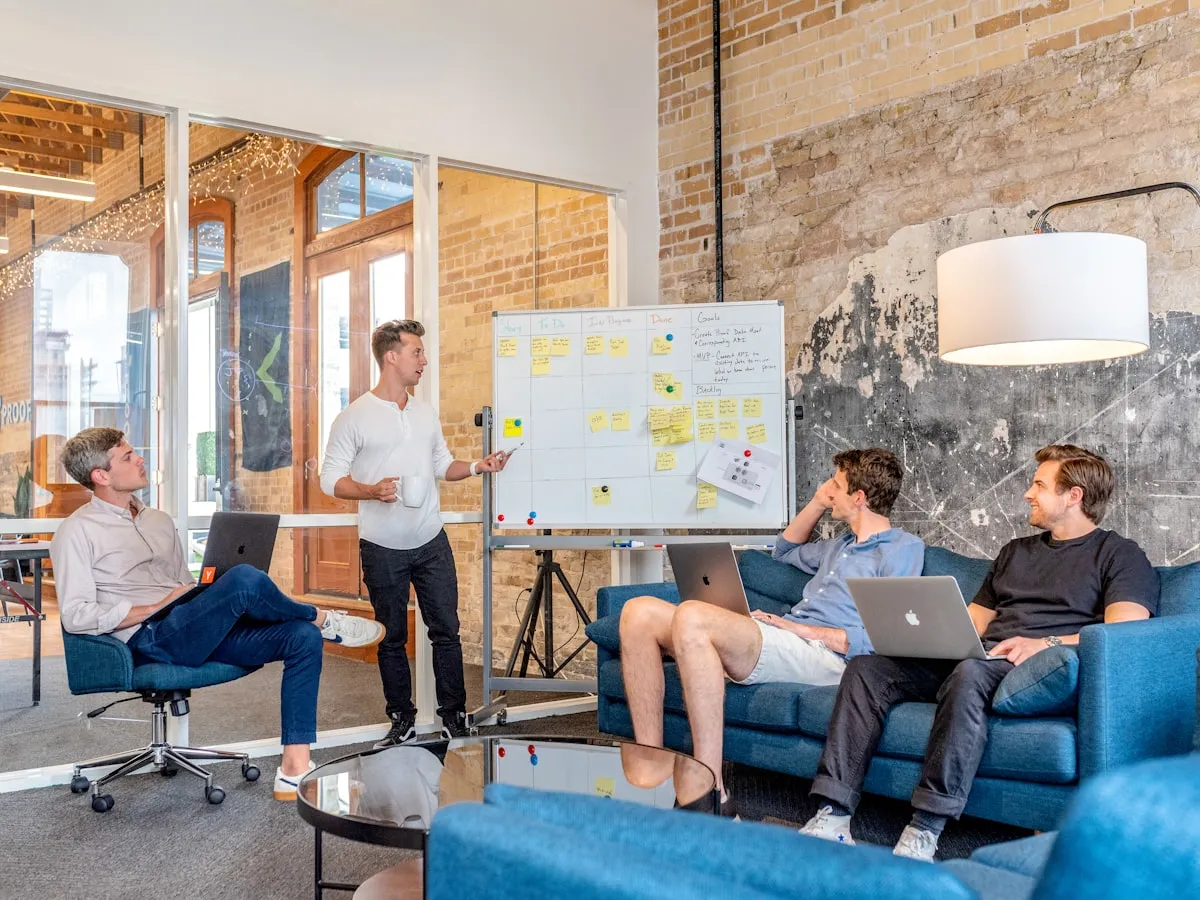
Discovery workshops map how your teams actually work before a single module is configured.
The implementation process
Discovery and planning
Work begins with discovery workshops that bring the right stakeholders together to agree on what the project must achieve. We map current processes end to end (finance, operations, and inventory for ERP work; sales and service journeys for CRM work) and pin down the bottlenecks and manual tasks that cost you time. The output is a clear statement of requirements, agreed success criteria, and a realistic project plan: the foundation that keeps implementation risk low.
Solution design
With requirements agreed, we turn them into a solution blueprint: which Dynamics 365 modules you need, how standard processes should be configured rather than worked around, how master data is structured, and which other systems must connect to the platform. You review and sign off the design before any configuration begins, so scope and budget hold no surprises.
Configuration and development
Our consultants then build the platform to that design: workflows and approvals, security roles, dashboards, and the pricing and financial setups your processes depend on. Where the standard product cannot fully match a requirement, we develop targeted extensions through our custom software practice and connect the platform to your other systems through external integrations, keeping changes tightly scoped.
Data migration
Legacy data rarely arrives clean. Whether we are moving financial balances, open transactions, and item records out of an old ERP, or contacts, activities, and case history out of a CRM, we set data-quality expectations first, then clean, transform, and load through repeated test cycles, reconciling each against the source system. By go-live, your team has already seen the data validated, so cutover is no gamble.
User acceptance testing and training
Before anything goes live, the people who will use the system daily test it against realistic scenarios from your own processes. Findings are triaged and fixed in structured cycles until your team signs off. In parallel, role-based training, hands-on exercises, and change management support (delivered through our training and adoption service) prepare your team to work in the new system from day one.
Go-live
Cutover is a planned event: a sequenced switchover, a legacy-system freeze, and a runbook naming who does what, with consultants on standby throughout. With data migrated, training complete, and issues resolved in UAT, go-live is a controlled transition rather than a leap of faith.
Hypercare and continuous improvement
Go-live is not the end. A dedicated hypercare window follows: daily check-ins while users settle in and rapid fixes for anything that surfaces. Scheduled reviews then measure adoption and refine processes, with ongoing technical support available as your platform evolves.
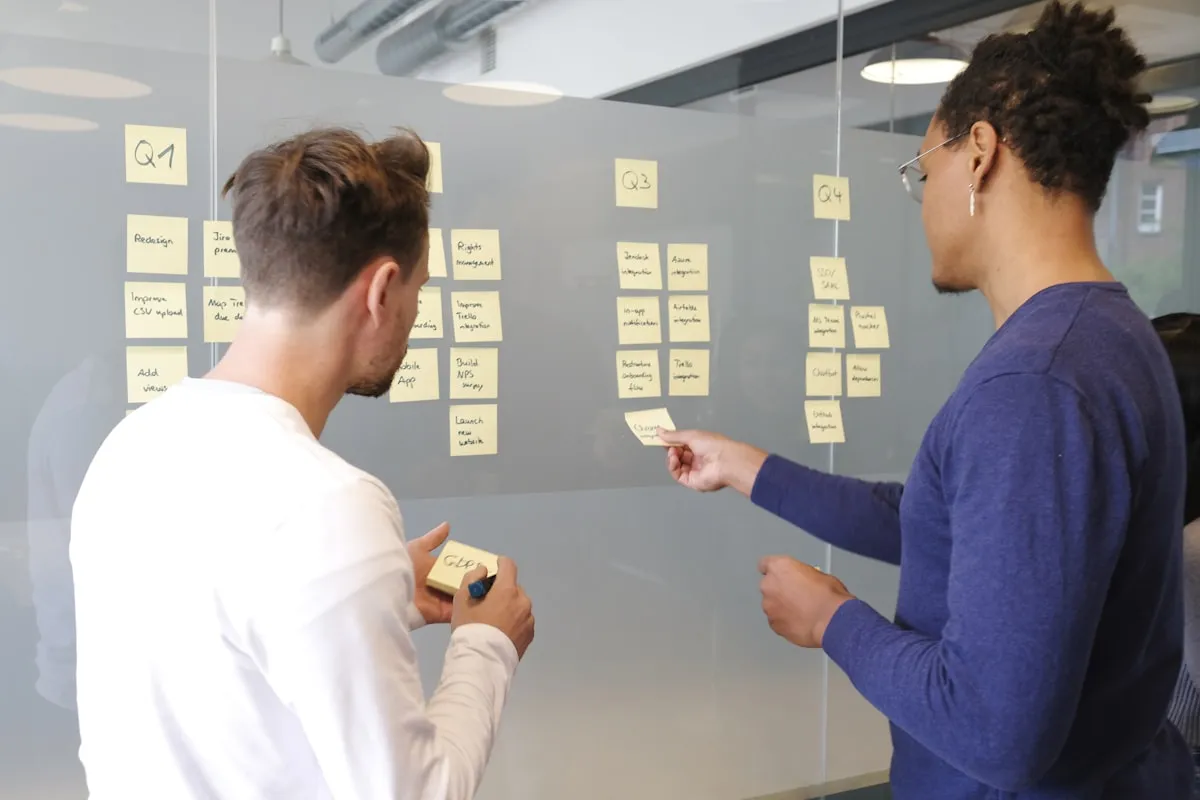
Agreed requirements become a solution design you review and sign off before configuration begins.
ERP consulting
ERP projects centre on Dynamics 365 Business Central, Microsoft’s cloud ERP for finance and operations. It brings accounting, supply chain, manufacturing, and warehouse management into one system, ending spreadsheet reconciliations, duplicate data entry, and slow month-end closes. Our consultants have implemented and optimised the platform across industries such as consumer goods, food production, healthcare, and distribution for nearly three decades. We always start from your processes, not a feature list.
A large share of our ERP work is migration from a legacy system. Companies on an earlier-generation Dynamics platform or another long-serving ERP tend to stay long after maintenance costs, reporting limits, and integration barriers begin to hurt. We treat migration as its own discipline: see our system migration service, so you move to a modern platform without losing years of data, customisation knowledge, or hard-won practice. Typical ERP consulting engagements cover:
- Finance and accounting: chart of accounts design, payables and receivables, fixed assets, and consolidation across entities.
- Supply chain and inventory: purchasing, stock control, costing, and demand visibility.
- Manufacturing operations: bills of materials, routings, capacity planning, and shop-floor tracking.
- Warehouse and distribution: put-away, picking, packing, and shipping workflows.
- Legacy ERP migration: a tested, low-risk path from earlier Dynamics or other ERP platforms.
CRM consulting
CRM projects build customer engagement on Dynamics 365 Sales and Dynamics 365 Customer Service, with Field Service, Contact Center, and Customer Insights added where your operating model needs them. Consulting starts with how your teams win, serve, and keep customers: we map the sales journey from lead to order and the service journey from first contact to resolution, then design the platform around them, creating a single source of customer information every team can act on.
As with ERP, CRM work often begins when the signs of strain are already visible: deals tracked in spreadsheets, service requests answered from memory, or a CRM that was bought but never adopted. Consulting supplies the alignment and change management that software alone cannot, plus careful migration of customer records, contacts, and activity history, so the new system opens with a clean view of your customers. Typical CRM consulting engagements cover:
- Sales pipelines and opportunity management: consistent stages, disciplined forecasting, and full deal visibility, so managers coach on facts rather than hunches.
- Case management and after-sales service: tracked requests, service-level agreements, and a knowledge base your team actually uses.
- Field service operations: scheduling technicians and dispatching jobs through Dynamics 365 Field Service.
- Marketing automation and customer insight: audience segmentation and nurture journeys through Dynamics 365 Customer Insights.
What’s included
- Discovery workshops and end-to-end mapping of your core processes
- A solution design and implementation plan you approve before configuration begins
- Configuration to that design, including security roles, workflows, and automation
- Custom extensions and integrations where standard features fall short
- Data migration from your legacy system, with test cycles and reconciliation before cutover
- Structured user acceptance testing and role-based training for your team
- A post go-live hypercare window with daily check-ins and a clear path into ongoing support
Further reading
- A step-by-step approach to implementing Dynamics 365 Business Central: a structured roll-out from first workshop to steady state.
- How to select an ERP system: build a shortlist and evaluate platforms with confidence before you commit.
- The difference between ERP and CRM: where each type of system fits, and why many businesses need both.
- Cloud-based ERP and CRM systems: what businesses must know: practical considerations for moving to the cloud.
- The hidden costs and risks of maintaining a legacy ERP system: why staying on old software is rarely the cheap option.