

When your systems do not talk to each other, your people become the interface. Orders taken in the online store are re-keyed into the accounts system, invoice details typed a second time into a banking portal, and four separate exports merged in a spreadsheet before anyone can see this month’s numbers. Every handoff adds delay and invites error, and every duplicated entry is a place where two systems quietly disagree. The drag is real but rarely visible on any one report: capable staff spending their days as human middleware, finance reconciling differences instead of analysing results, and stock figures that never quite match the warehouse floor.
The answer is rarely another new system: it is making the ones you have work as one. For most growing businesses, that means a single authoritative platform at the centre, with live data flowing to and from the tools your teams already know. Your Dynamics 365 Business Central platform keeps one source of truth for financials, inventory, customers, and orders, and exposes that data through modern web services; the Microsoft Power Platform carries the work between systems. Power Automate moves workflows and approvals (a request that reaches the right person with the full order attached, a status change that triggers the next step elsewhere), and Power BI reports on live data across systems, so the board pack reflects this morning rather than last month’s export.
ML IT Partners has been connecting business systems for Malaysian organisations for nearly three decades as a certified Microsoft Dynamics partner. That includes the connections that matter locally: automated e-invoice submission to LHDN, supplier payment files in the formats banks here accept, and storefronts and marketplaces that stay in step with the ERP through maintained connectors such as our Unified E-Commerce Management product. We have also seen what happens when integration is treated as a one-off project: it works for a while, then silently breaks. This page explains what we connect, what an integration engagement includes, and how we keep connections working long after go-live.
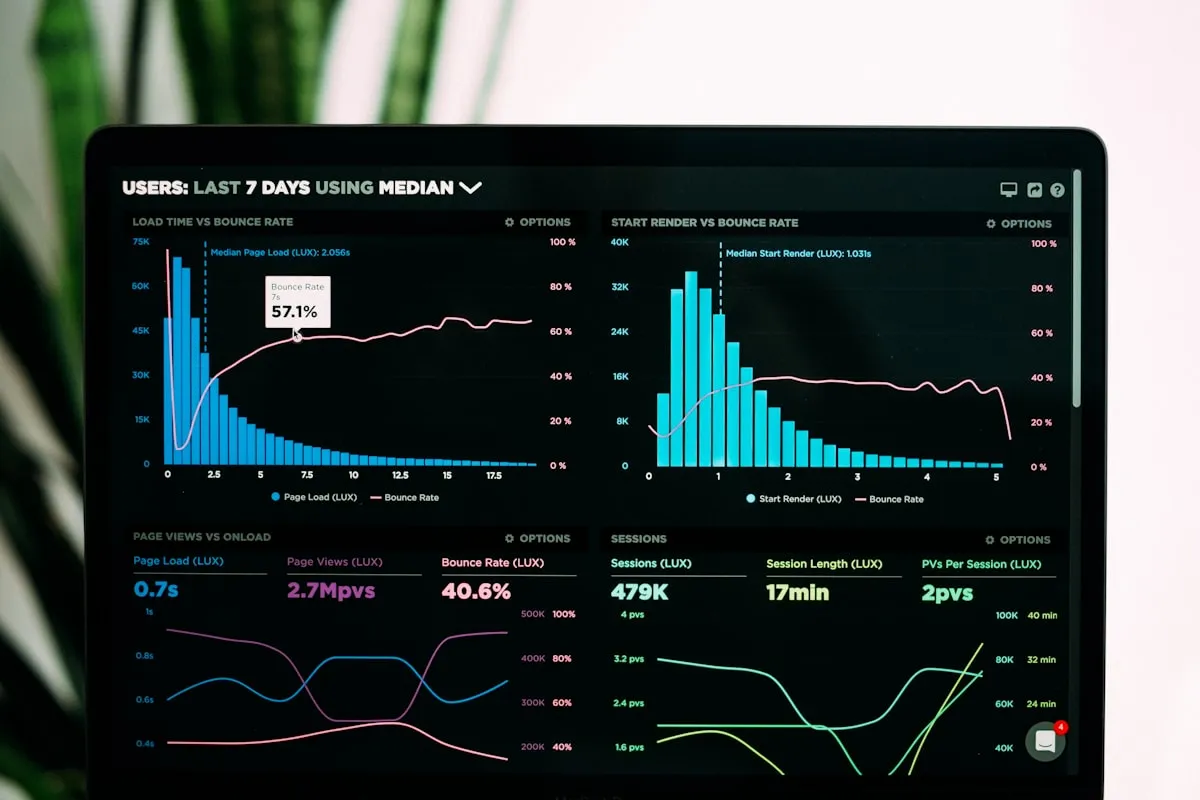
Power BI reports on live data across systems, so the board pack reflects this morning rather than last month’s export.
What’s included
- Integration discovery and data-flow mapping: we inventory the systems in play, agree which one owns each piece of data, and design how information must move before anything is built.
- API and web-service development: exposing Business Central data to other systems and consuming theirs, through documented interfaces your team can build on later.
- E-commerce and marketplace connectors: Shopify storefronts, marketplaces, and other sales channels kept in step with ERP stock, orders, customers, and payments.
- Compliance connections: automated e-invoice submission to LHDN through our E-Invoice Submission extension, with status tracking for the tax authority’s responses.
- Bank and payment integrations: supplier payments exported from the payment journal straight into the file formats Malaysian banks accept.
- Power BI reporting and dashboards on live data, replacing the end-of-month export ritual with a view your team can trust any day of the month.
- Power Automate workflows and approvals: notifications, handoffs, and multi-level approval chains that carry work between systems.
- Monitoring and alerting on live integrations, so a failed connection surfaces in minutes rather than surfacing at month-end.
How we work
Every integration project begins with mapping, not building. We sit down with the people who run each system and walk the data from where it is created to where it is consumed, noting who owns each field, how often it truly needs to move, and what should happen when a connection fails. You see and approve the data-flow design before any development starts, so the integration you pay for is the one your operation actually needs.
We then build on what the platforms already provide: Business Central’s APIs and web services, the Power Platform, and maintained connectors rather than bespoke scripts that only one person understands. Each connection is documented and replaceable, so when your stack grows next year (a new marketplace, a new logistics provider, a new reporting tool), it slots into the same pattern instead of starting a new one.
Connections are tested end to end with your real data and realistic volumes, including the failure cases: what the storefront should do when the ERP is briefly unreachable, what happens when the tax authority rejects an invoice. Where a connection needs genuinely bespoke behaviour on either side, we pair it with our custom software practice. Integrations stay clean, and custom work stays scoped.
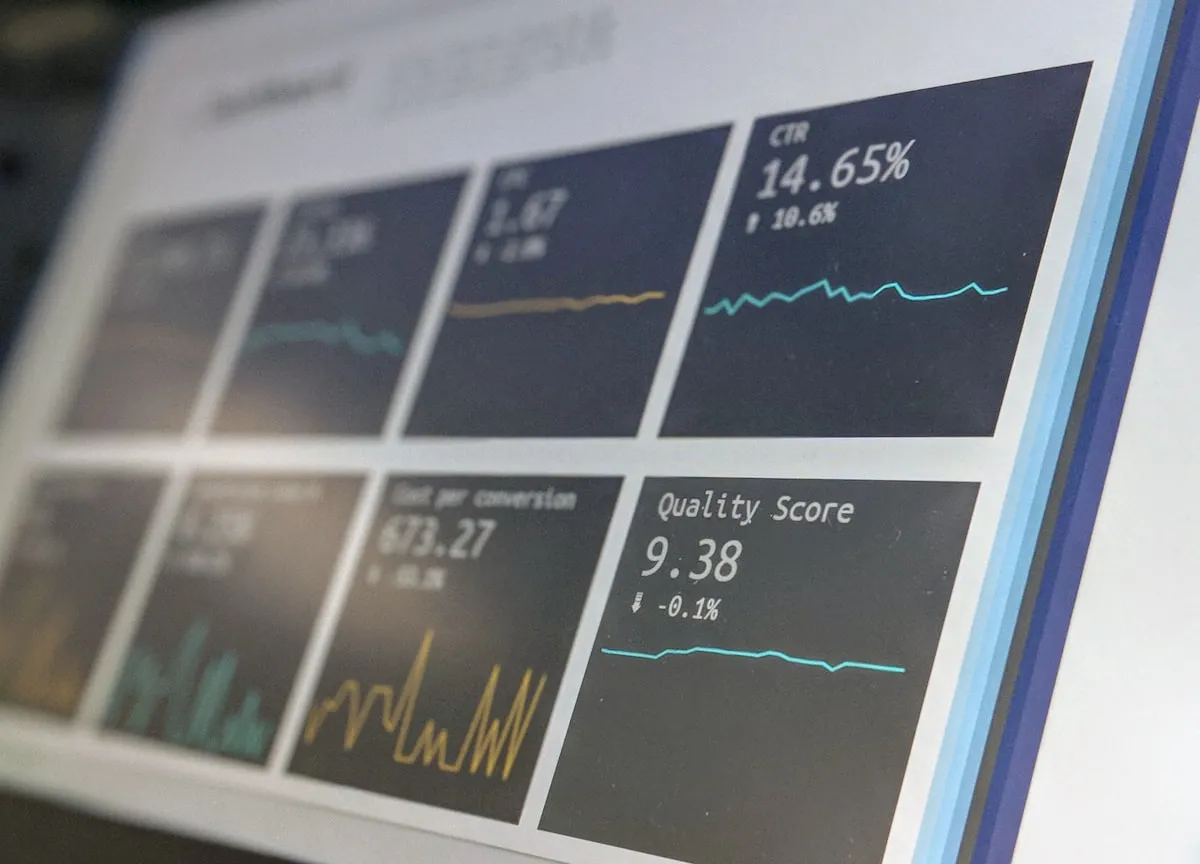
Live connections are monitored, with alerts when something drifts.
After go-live, we treat your integrations as infrastructure rather than finished projects: monitored connections with alerts when something drifts, ongoing technical support when issues surface, and scheduled reviews as your systems evolve. The point is not a one-time handshake between two tools. It is a tech stack that behaves like one platform, so you can keep the tools you like, add the ones you need, and never re-key a figure again.
Further reading
- Cloud-based ERP and CRM systems: what businesses must know: in the cloud, integration becomes the default rather than the exception.
- A step-by-step approach to implementing Dynamics 365 Business Central: where connecting your other systems fits inside a structured rollout.
- How to select an ERP system: make integration capability part of your selection criteria from day one.